


Muharrem Elkaz
AppNation Case Study

Creative strategy and production for Fit AI and OpenVideo, covering competitor research, dynamic and static ad creatives, and the production workflow behind them.

Competitor Analysis

Competitor Analysis & Creative Strategy

To understand the category and identify creative opportunities, I reviewed each app's App Store positioning, onboarding flow, core features, and visible paid and organic content. I focused on recurring hooks, benefit framing, visual patterns, and areas where Fit AI and OpenVideo could stand out.

Cal AI

Cal AI

AI Calorie Tracker

Foodvisor

Foodvisor

AI Calorie Counter

SnapCalorie

SnapCalorie

AI Nutrition & Macro Tracker

Shots

Shots

AI Photo Video Creator

GIO

GIO

AI Photoshoot Generator

Glam AI

Glam AI

Video & Photo Editor

Dynamic Creative

OpenVideo: Dynamic Creative

Objective
The objective of this creative was to show OpenVideo's core transformation experience in a simple, emotional and immediately understandable way. Rather than presenting the app as a technical AI tool, I focused on the result users care about: turning an ordinary personal photo into a memorable and shareable video.
Creative Idea
I built the concept around a familiar birthday moment. The video begins with an ordinary selfie and then reveals its AI-generated transformation. This before-and-after structure creates curiosity, demonstrates the product benefit visually and allows the viewer to understand the app without needing a detailed explanation.
Why This Direction
I used a casual, social-first opening because it feels native to TikTok, Reels and Shorts. The contrast between the original selfie and the cinematic result creates the main visual payoff. I also included the app interface to connect the final result with a clear and achievable user action, making the creative feel like a product demonstration rather than a generic AI montage.
Creative Structure
Relatable Moment → Transformation Reveal → Product Demonstration → Brand & CTA
Version A
02_Task1 / OpenVideo_A.mp4
Version B
02_Task1 / OpenVideo_B.mp4
Version C
02_Task1 / OpenVideo_C.mp4
Dynamic Creative

Fit AI: Dynamic Creative

Objective
The objective was to position Fit AI as a practical solution for users who want to understand their daily food intake but find traditional calorie tracking slow or difficult to maintain. The creative communicates one clear benefit: users can photograph their meal and quickly access calorie and macro information.
Creative Idea
The concept begins with a relatable fitness frustration and then introduces calorie awareness as the missing part of the user's routine. From there, the video moves into a first-person meal scanning experience, allowing the viewer to see both the action and the nutritional result generated by the app.
Why This Direction
I chose a problem–solution structure because the target audience is already familiar with the frustration of making an effort without clearly understanding their food intake. The first-person product footage makes the experience feel realistic and easy to imagine in everyday life. Showing the scanning process and result screen also provides direct product proof instead of relying only on promotional claims.
Creative Structure
User Frustration → Key Realisation → Meal Scanning → Nutrition Result → Brand & CTA
Version A
02_Task1 / FitAI_A.mp4
Version B
02_Task1 / FitAI_B.mp4
Version C
02_Task1 / FitAI_C.mp4
Supporting Static Creative

OpenVideo: Supporting Static Creative

Objective
The static creative was designed to communicate OpenVideo's main benefit within a single, immediately understandable frame. It focuses on the strongest transformation result and combines it with a short, benefit-led message and a clear call to action.
Relationship With Dynamic
Rather than introducing a separate campaign idea, the static asset supports the dynamic creative by using the same visual world, use case and product promise. While the video builds curiosity through sequencing and reveals the transformation over time, the static execution presents the final outcome immediately.
Why Static
Within a Meta campaign, the static format can support faster message recognition in feed placements and provide additional creative variety alongside video. It is also suitable for testing different headlines, benefit statements and visual hooks without changing the main campaign concept. Keeping the message focused on one transformation helps the creative remain clear and readable during fast scrolling.
Role in the Campaign
Immediate benefit communication · Message reinforcement after video exposure · Headline and visual-hook testing · Additional creative variety for feed placements
Supporting Static Creative

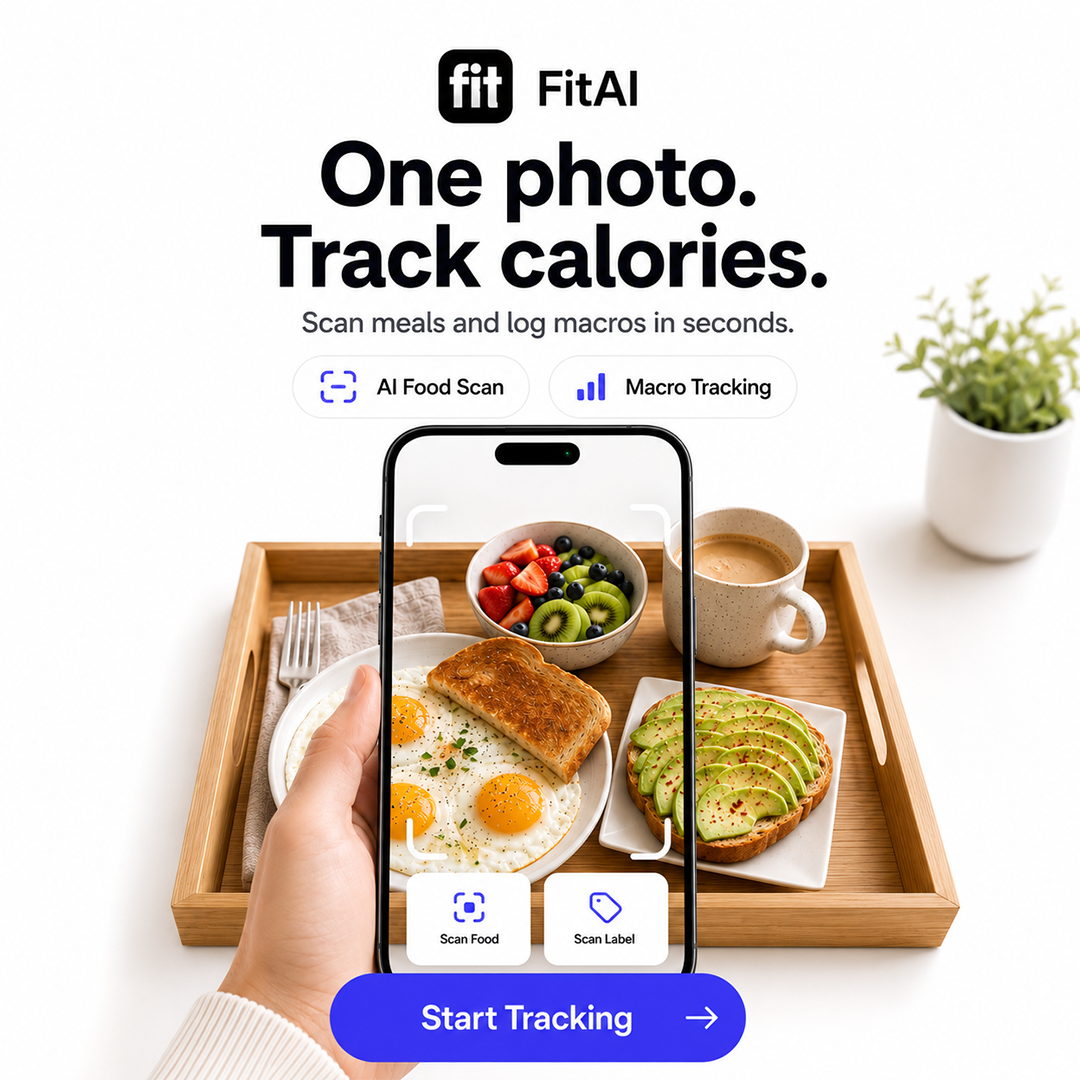
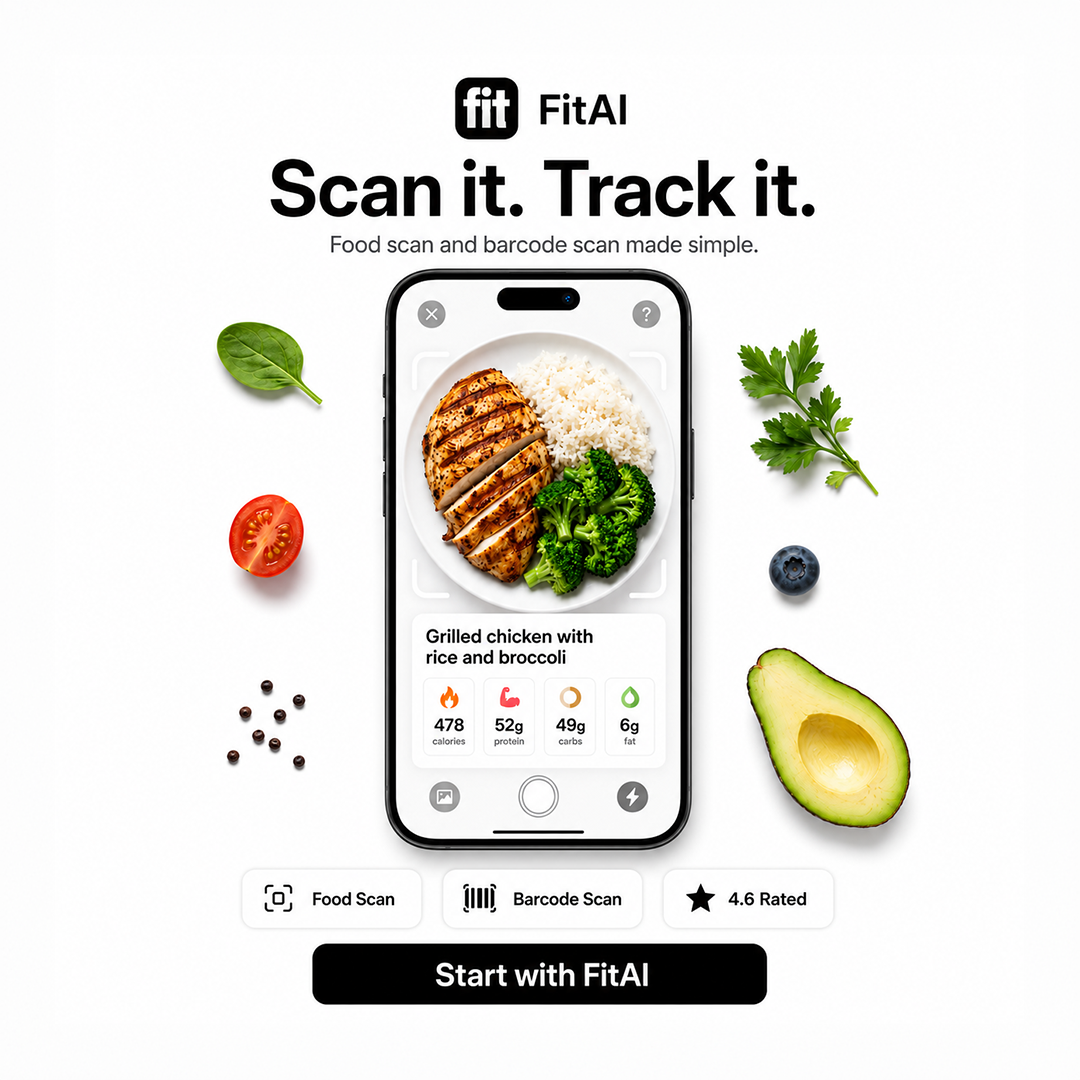
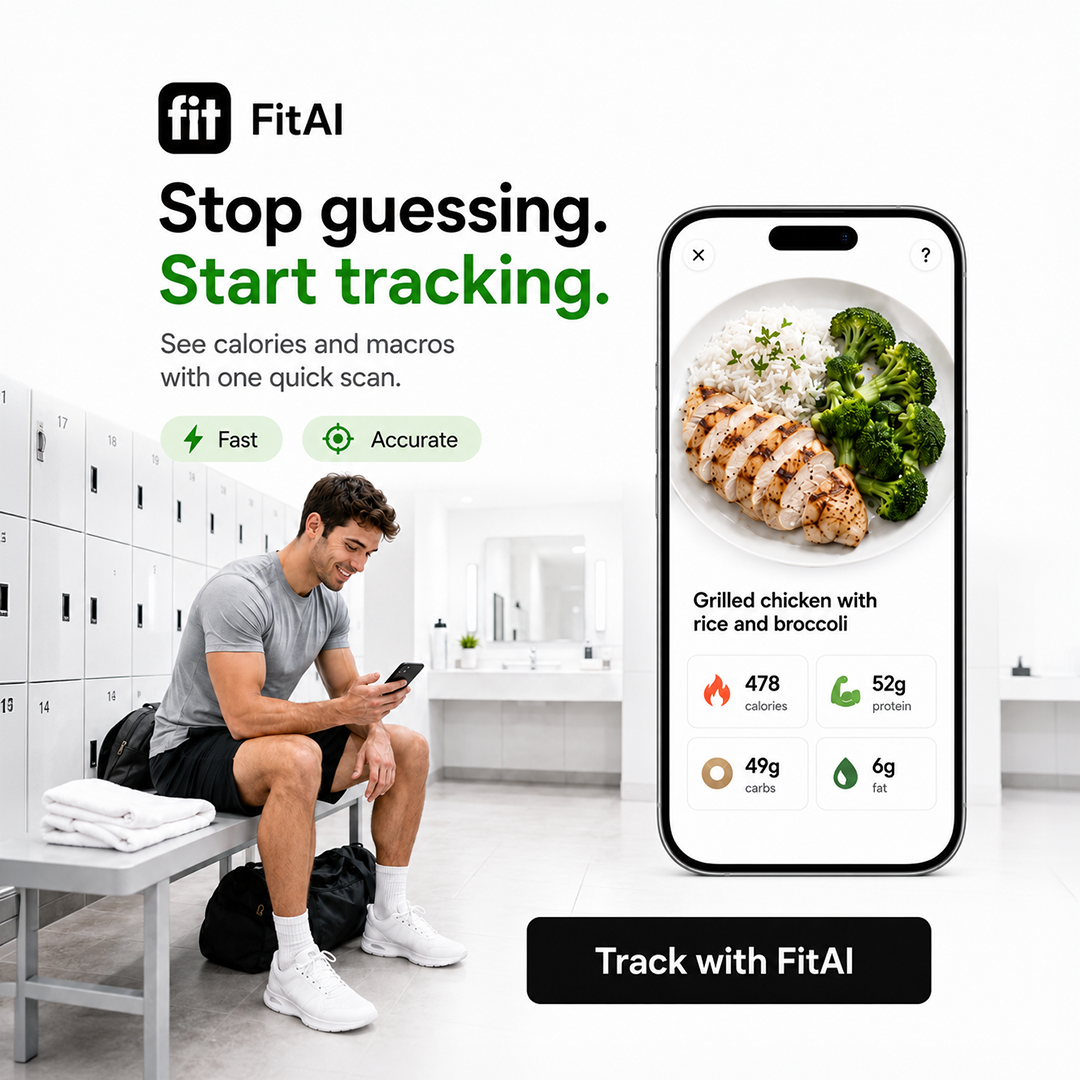
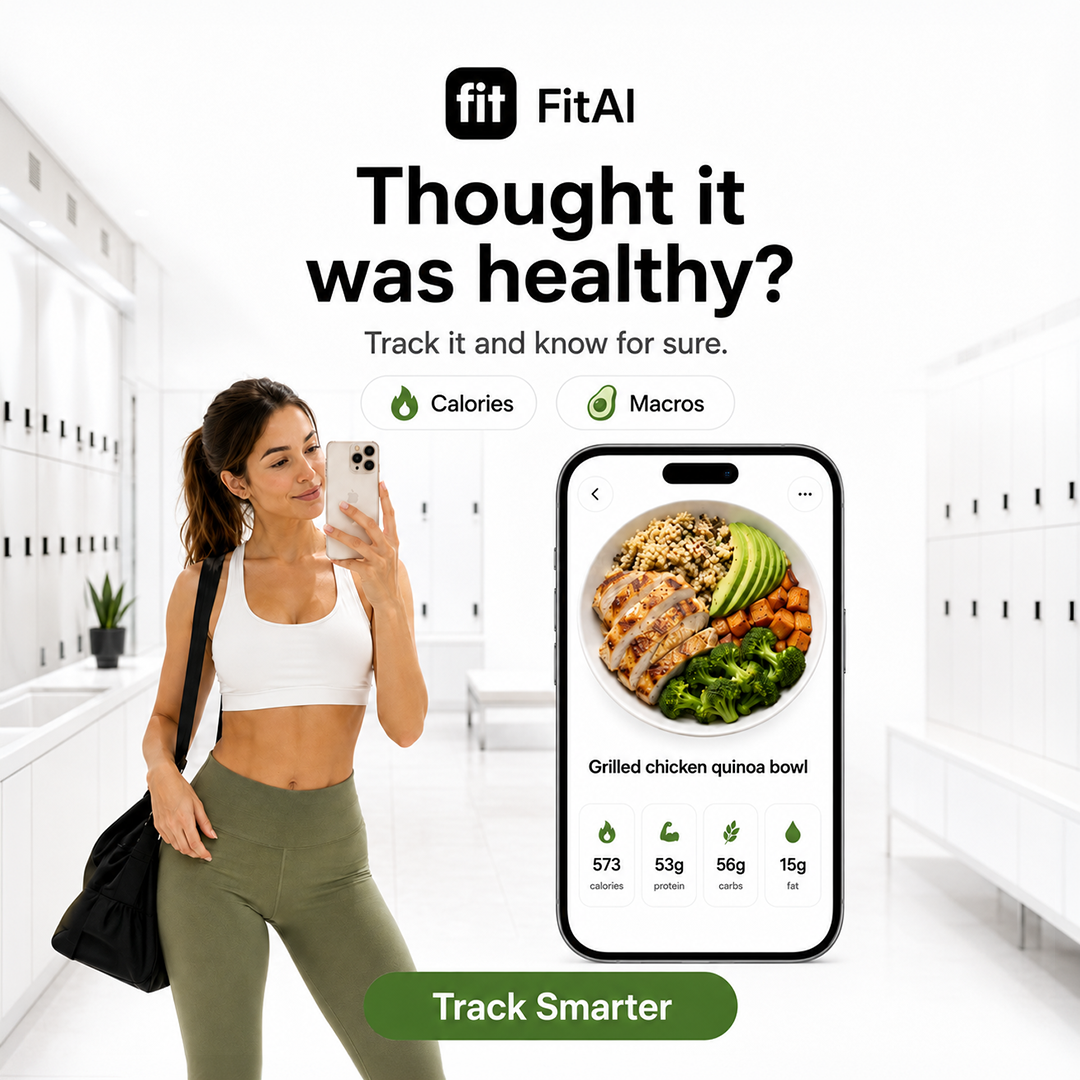
Fit AI: Supporting Static Creative

Objective
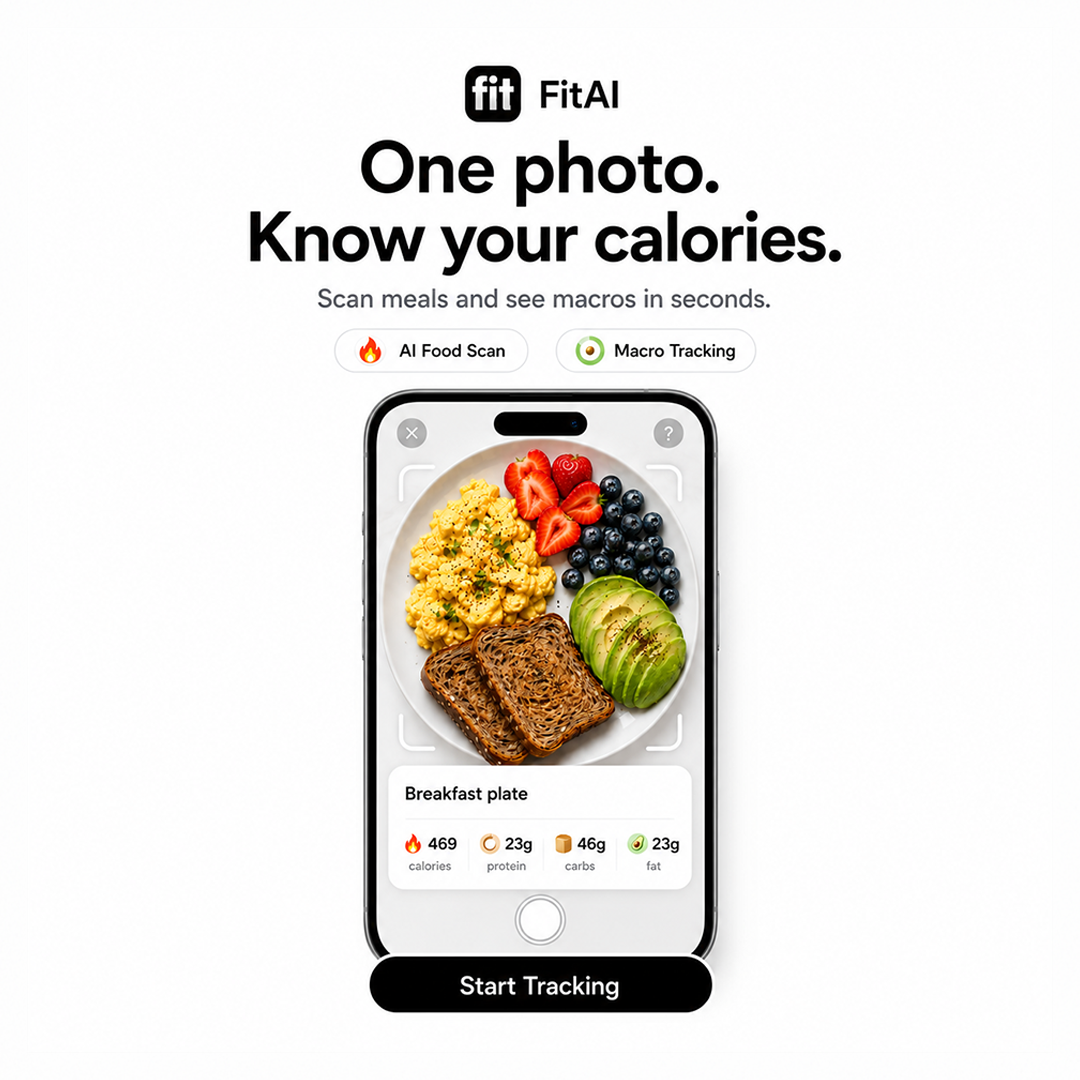
The Fit AI static creative focuses on the most valuable moment of the user journey: the connection between the meal photograph and the calorie and macro result. The objective was to make the app's core function understandable at a glance.
Relationship With Dynamic
The video explains the user problem and demonstrates the full scanning process, while the static creative isolates the clearest product proof. Both assets communicate the same core promise and use a consistent visual hierarchy, allowing them to function as parts of the same campaign rather than separate executions.
Why Static
For feed-based placements, the static format allows the user to understand the product without waiting for a complete video sequence. It also creates an opportunity to test different communication angles, such as convenience, nutritional awareness and ease of use. I kept the composition focused on one action and one result to reduce visual complexity and improve message clarity.
Role in the Campaign
Fast product understanding · Clear visualisation of the scan-to-result journey · Convenience-led message testing · Support for the main video campaign
App Store

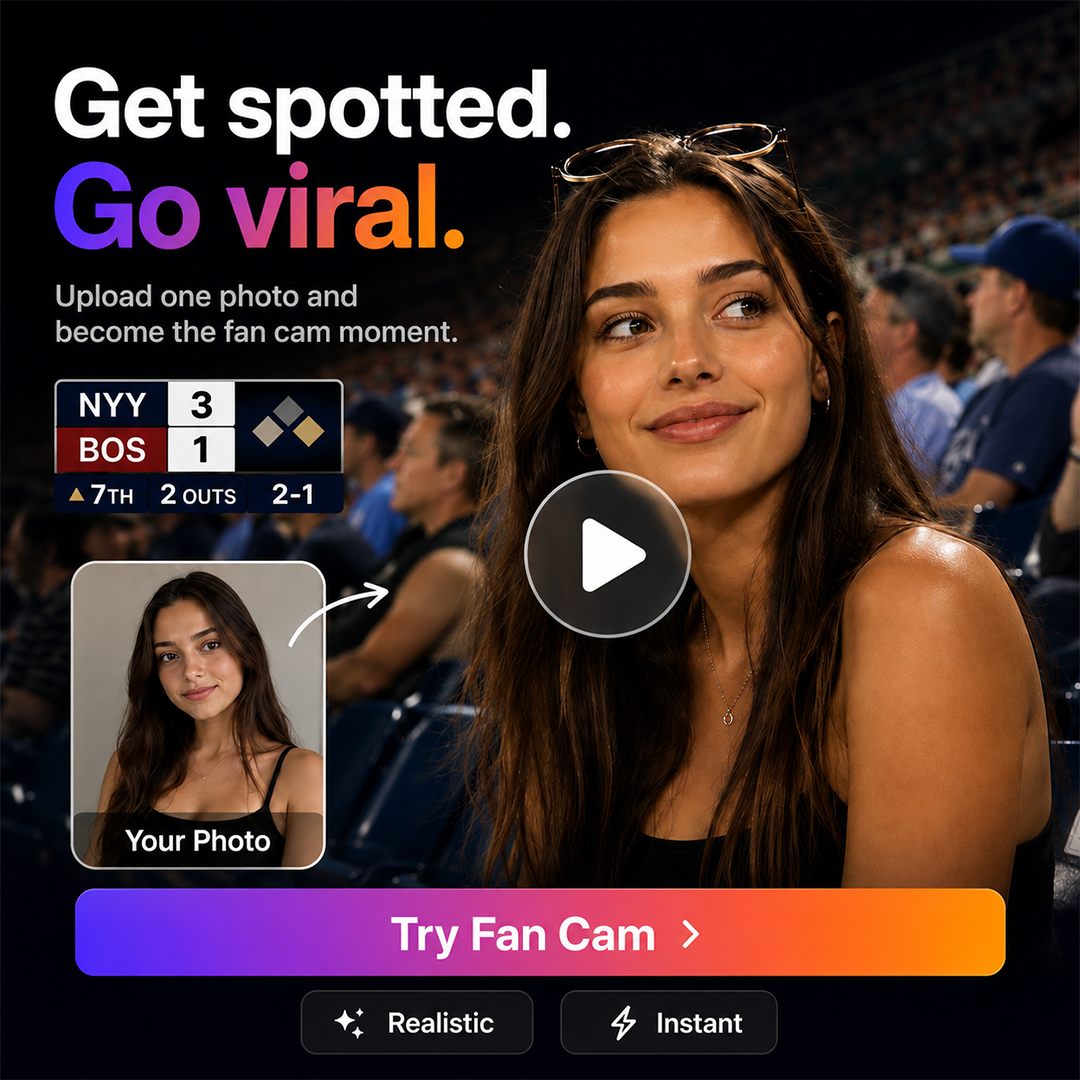
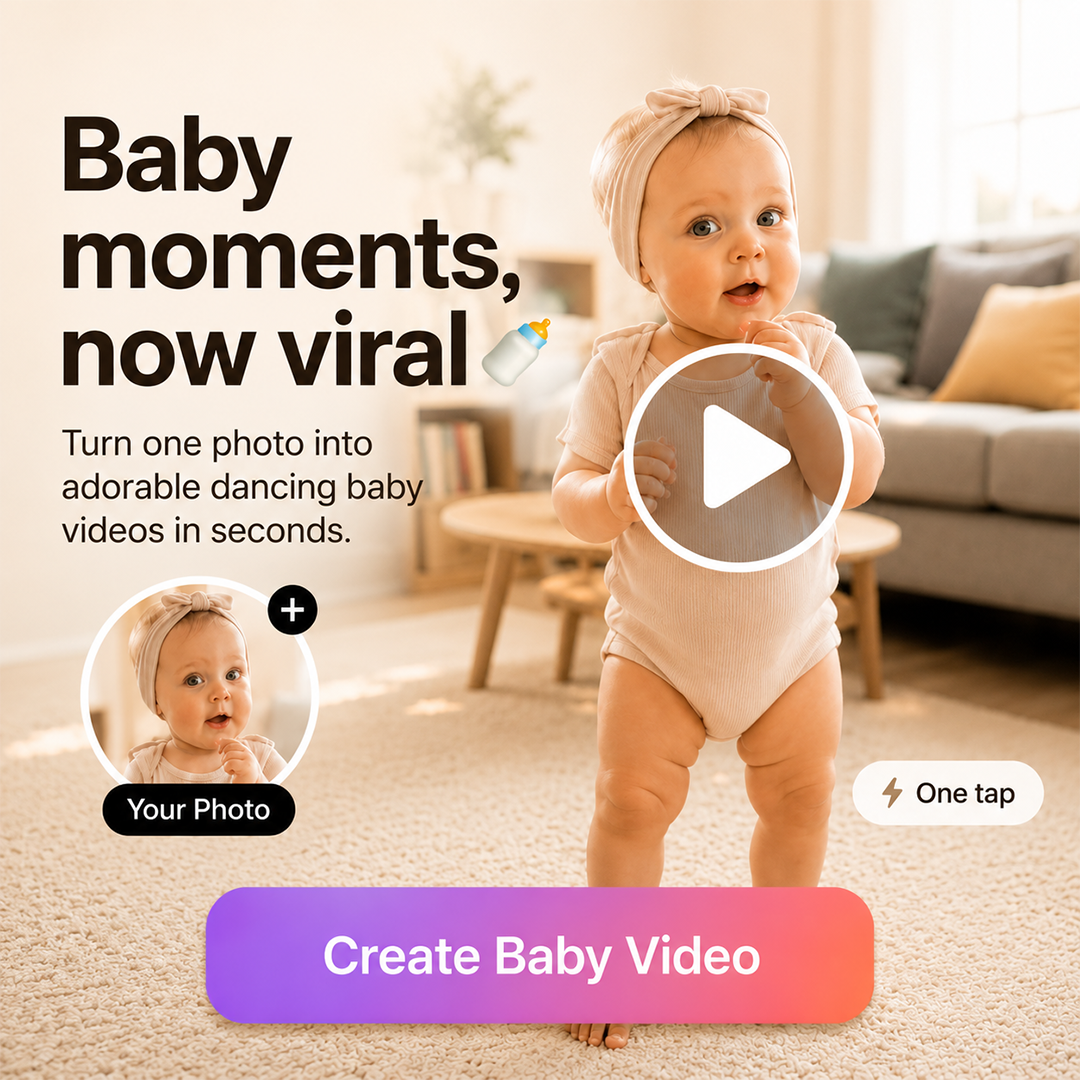
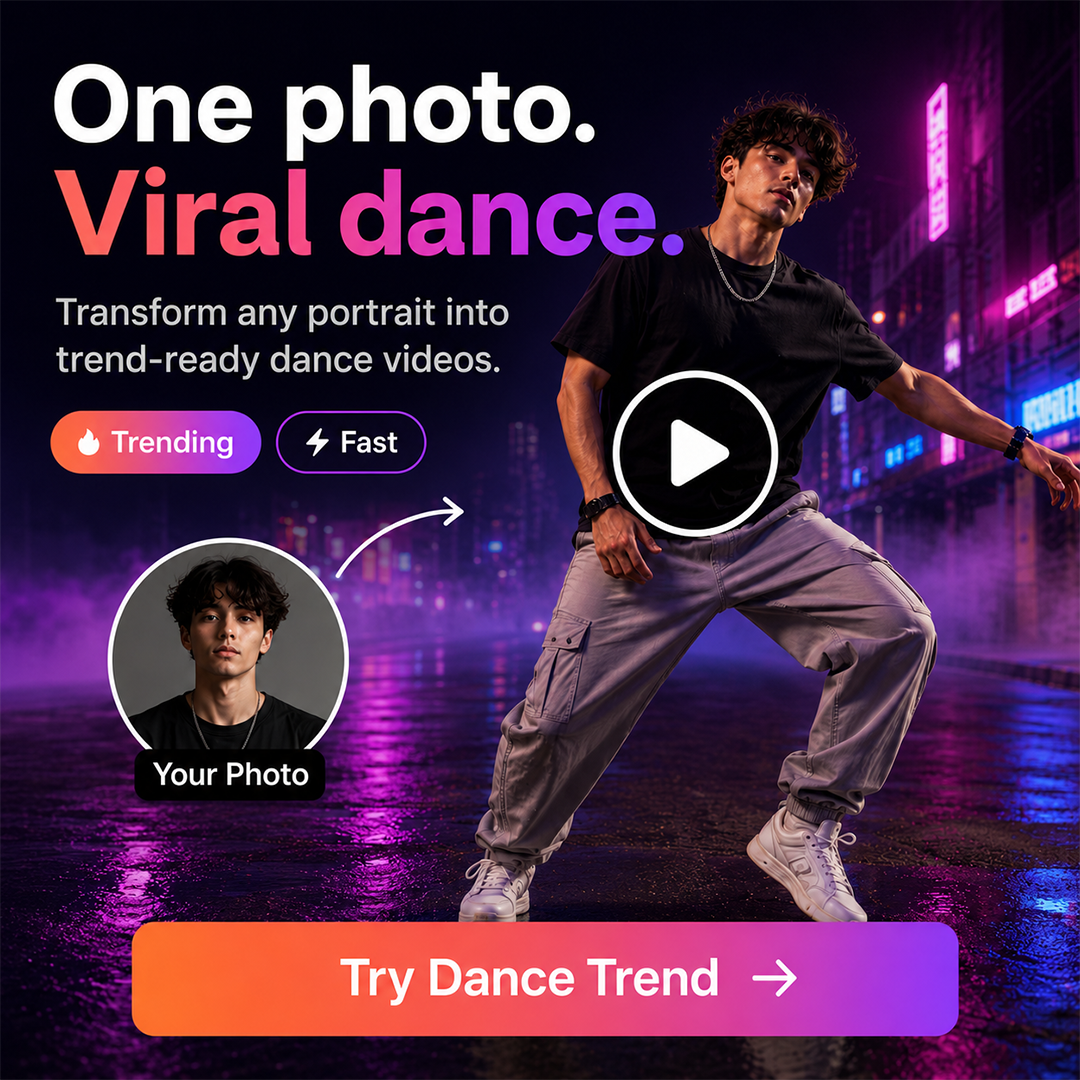
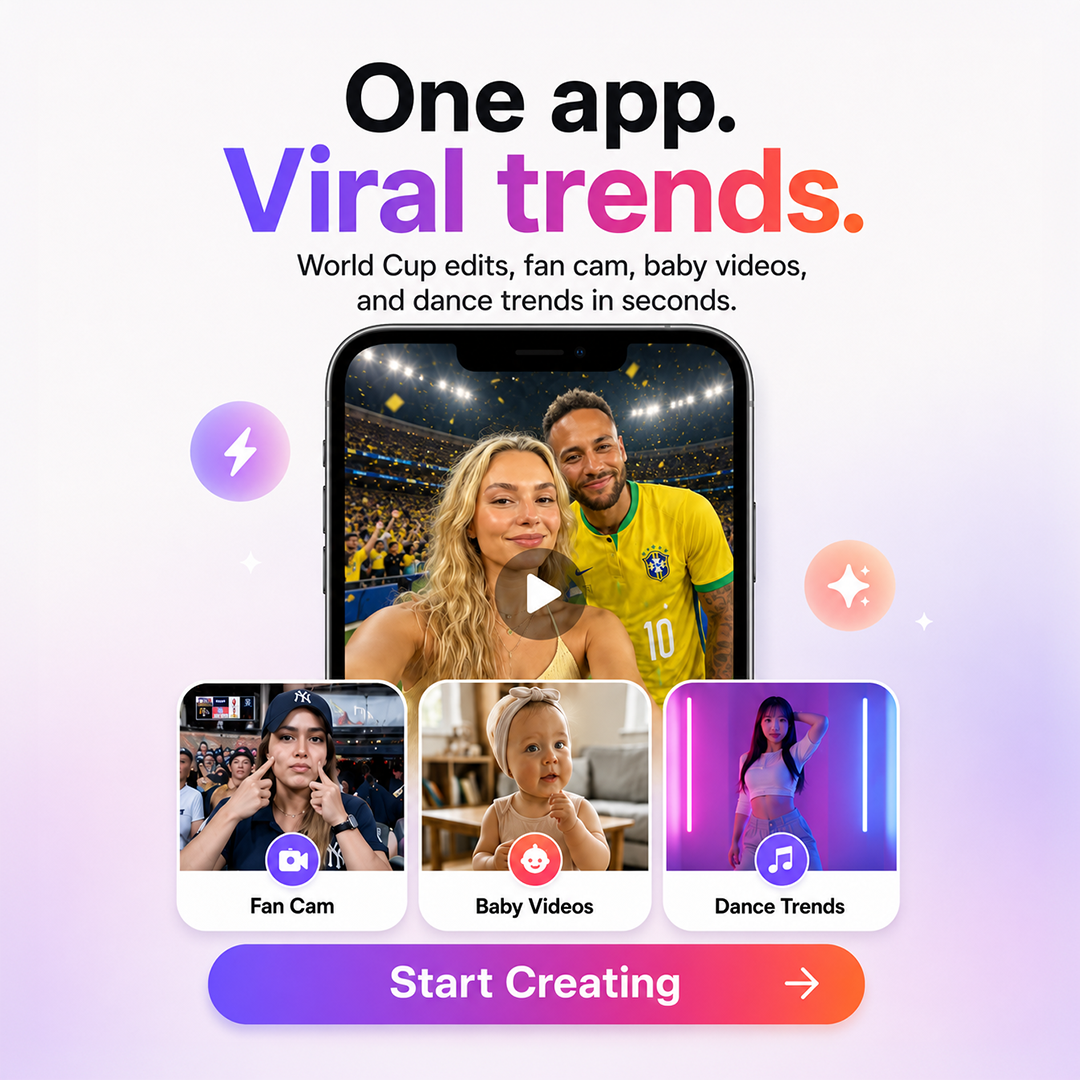
OpenVideo: App Store Screenshots

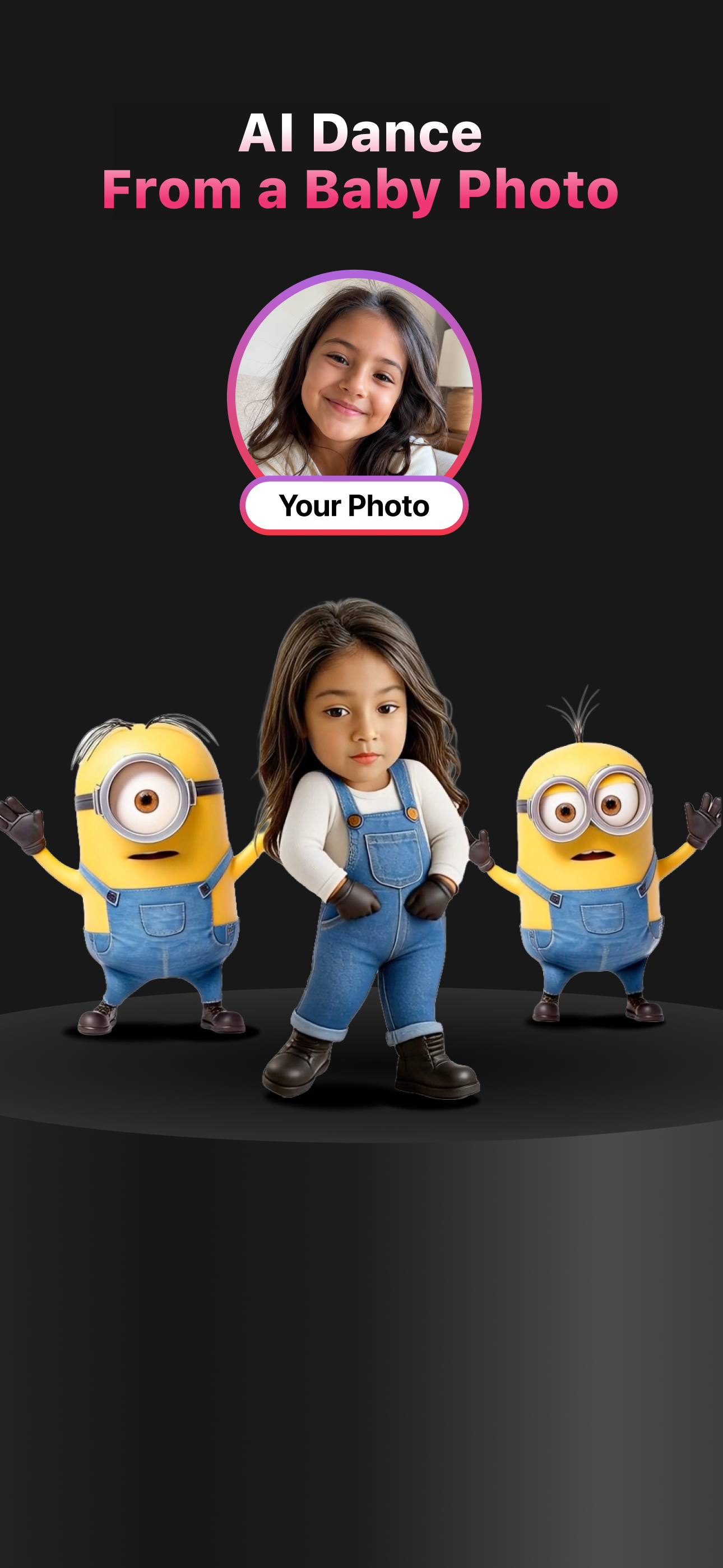
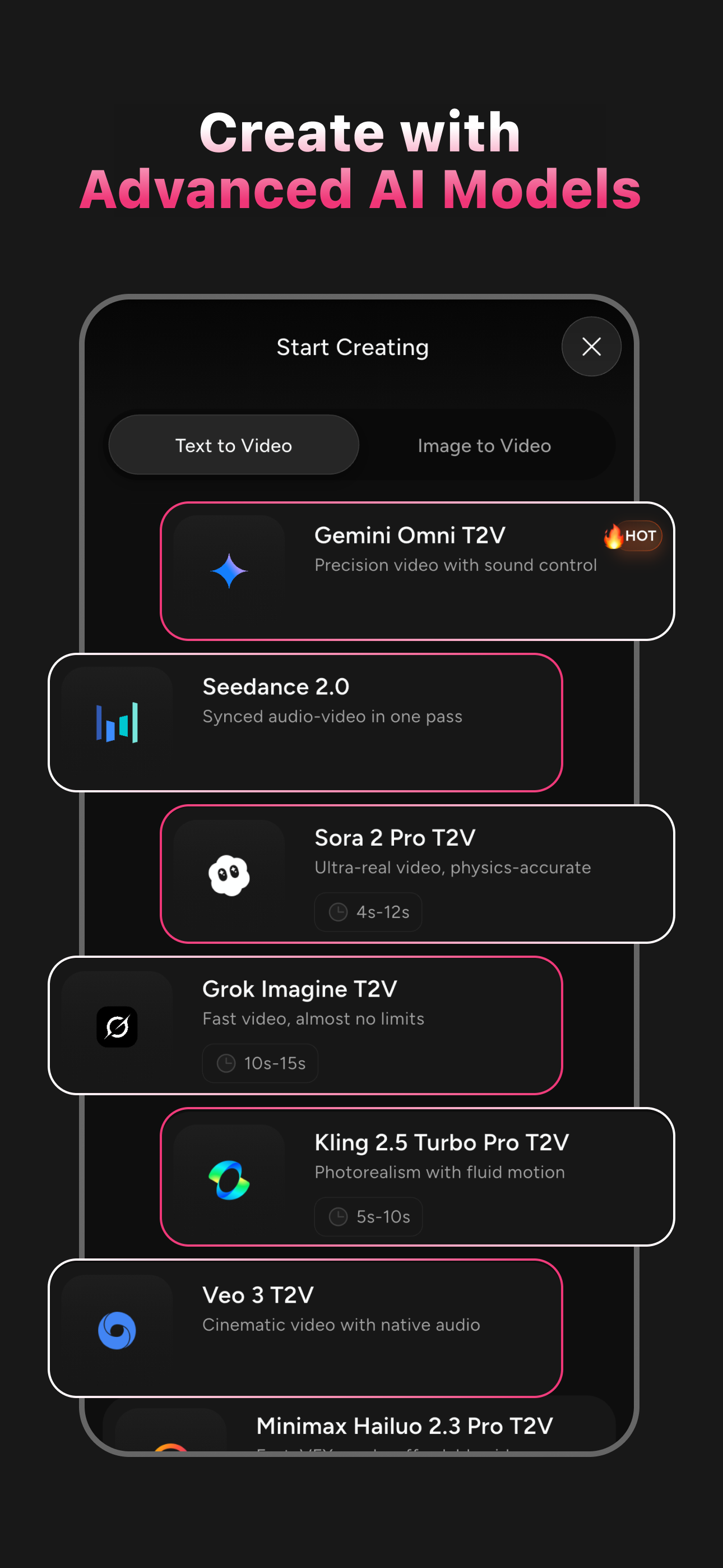
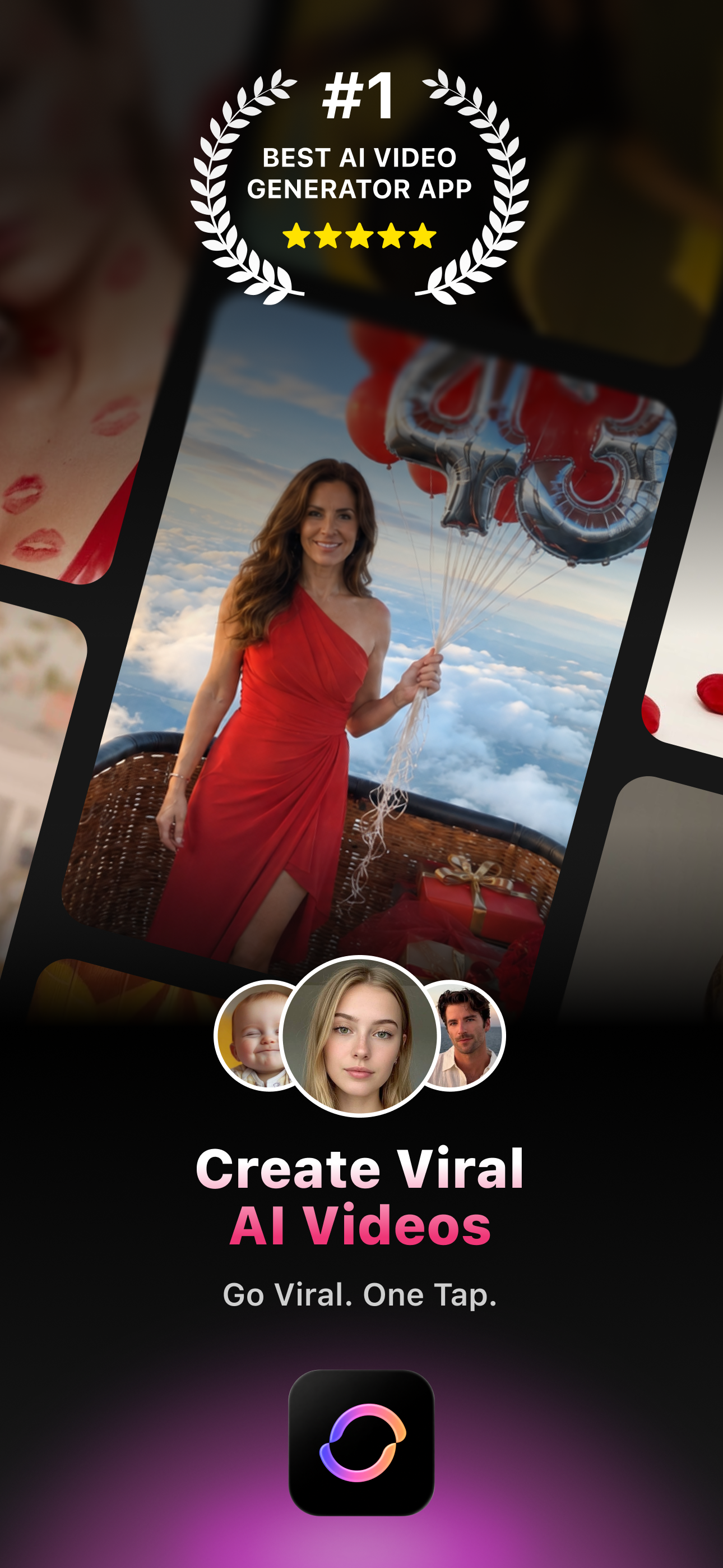
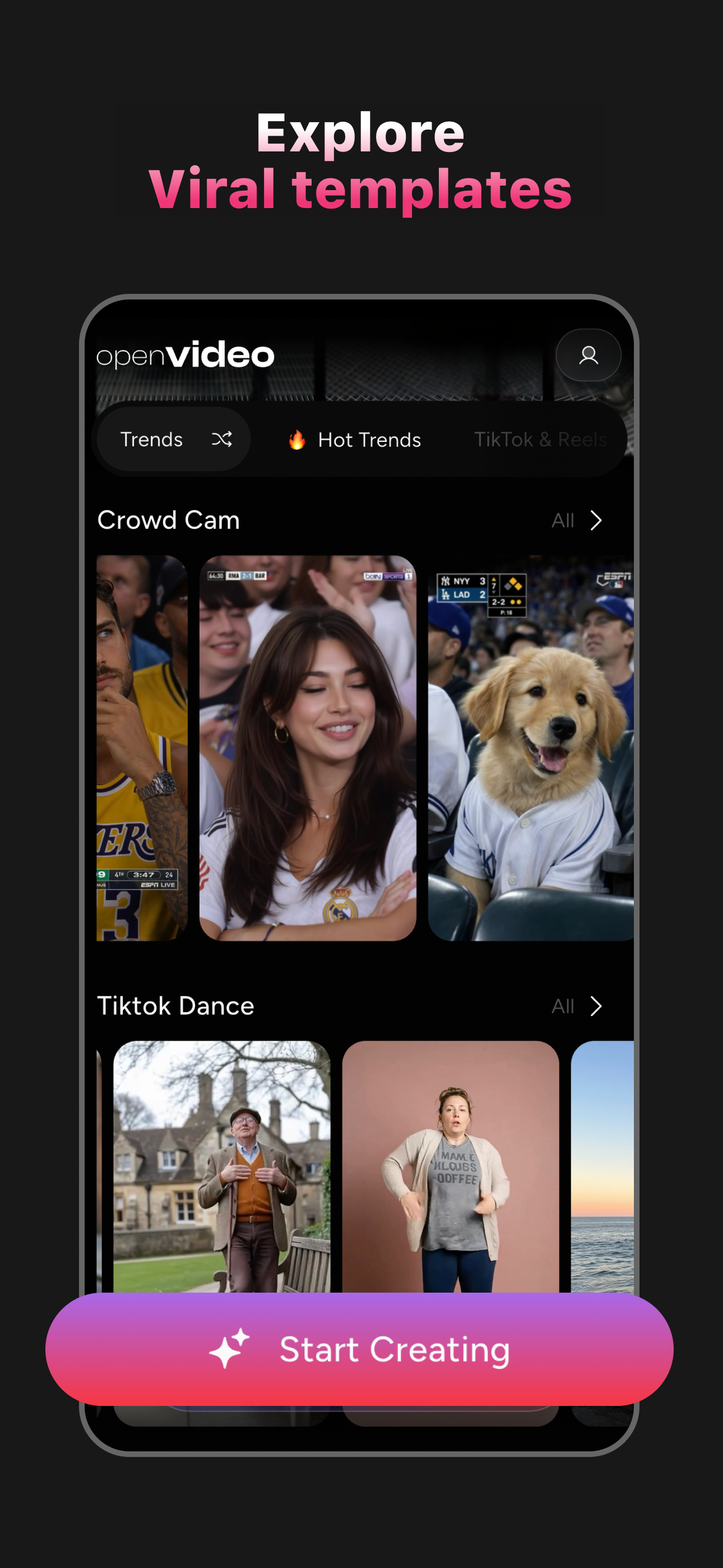
Product page screenshots built to sell the core promise fast: viral AI video results up front, the trending template library, a photo-to-dance transformation, and the range of AI models behind the generations.
App Store

Fit AI: App Store Screenshots

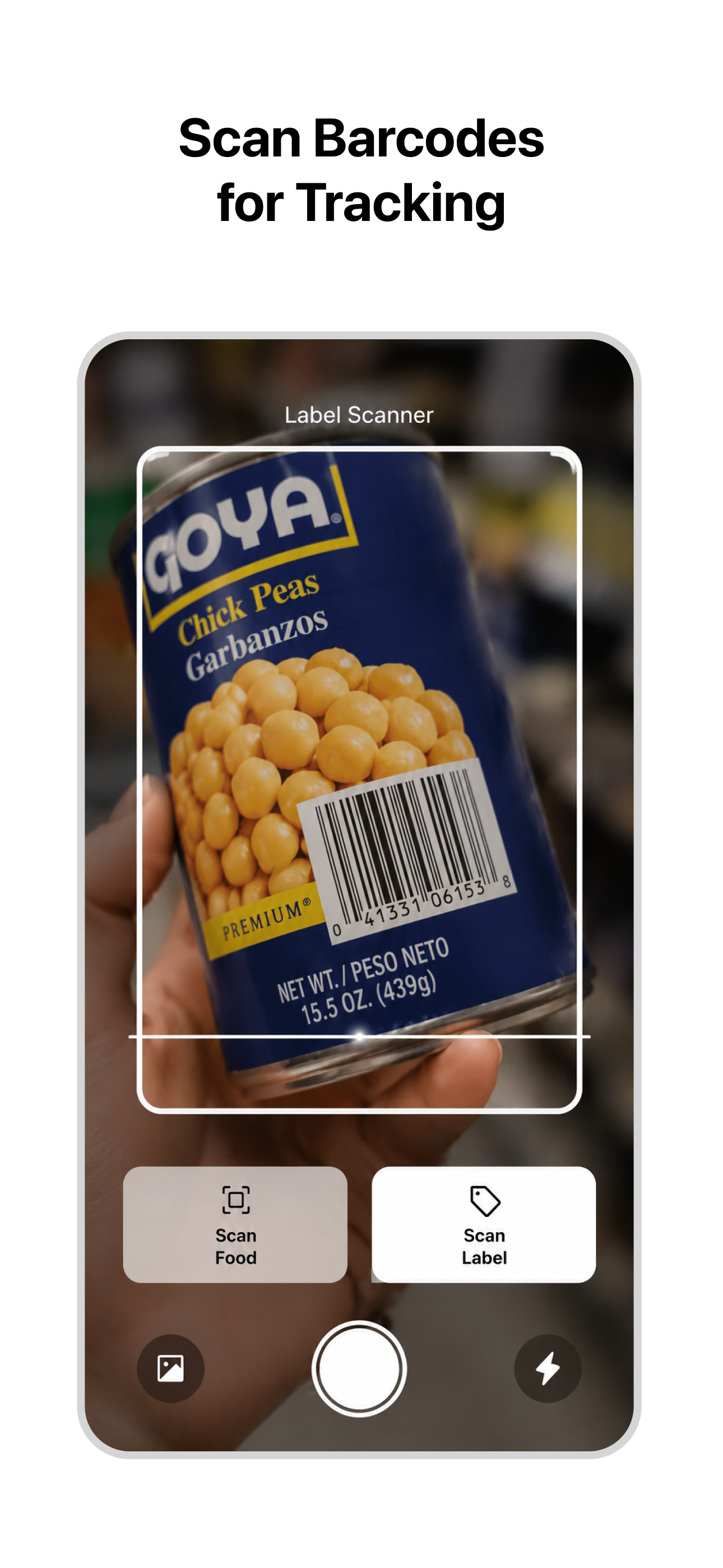
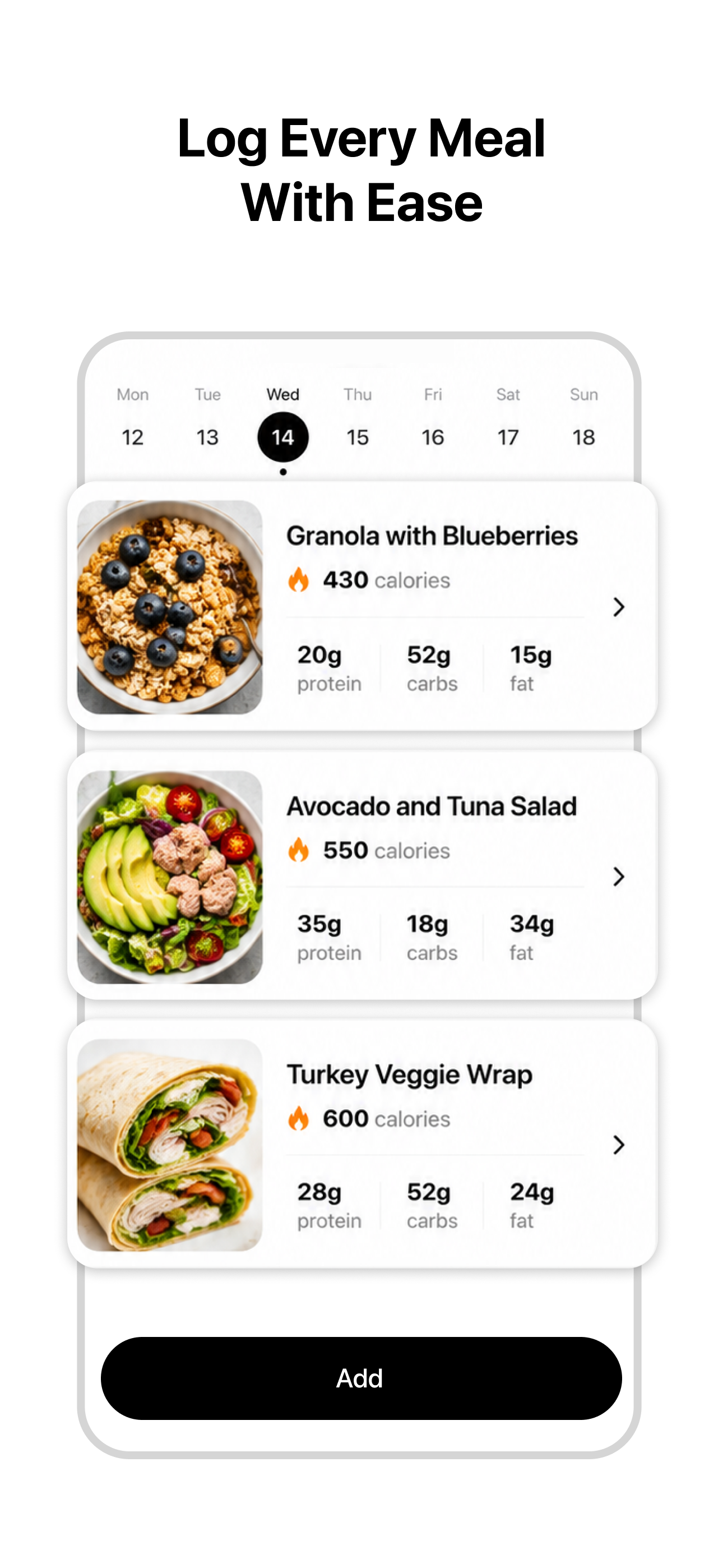
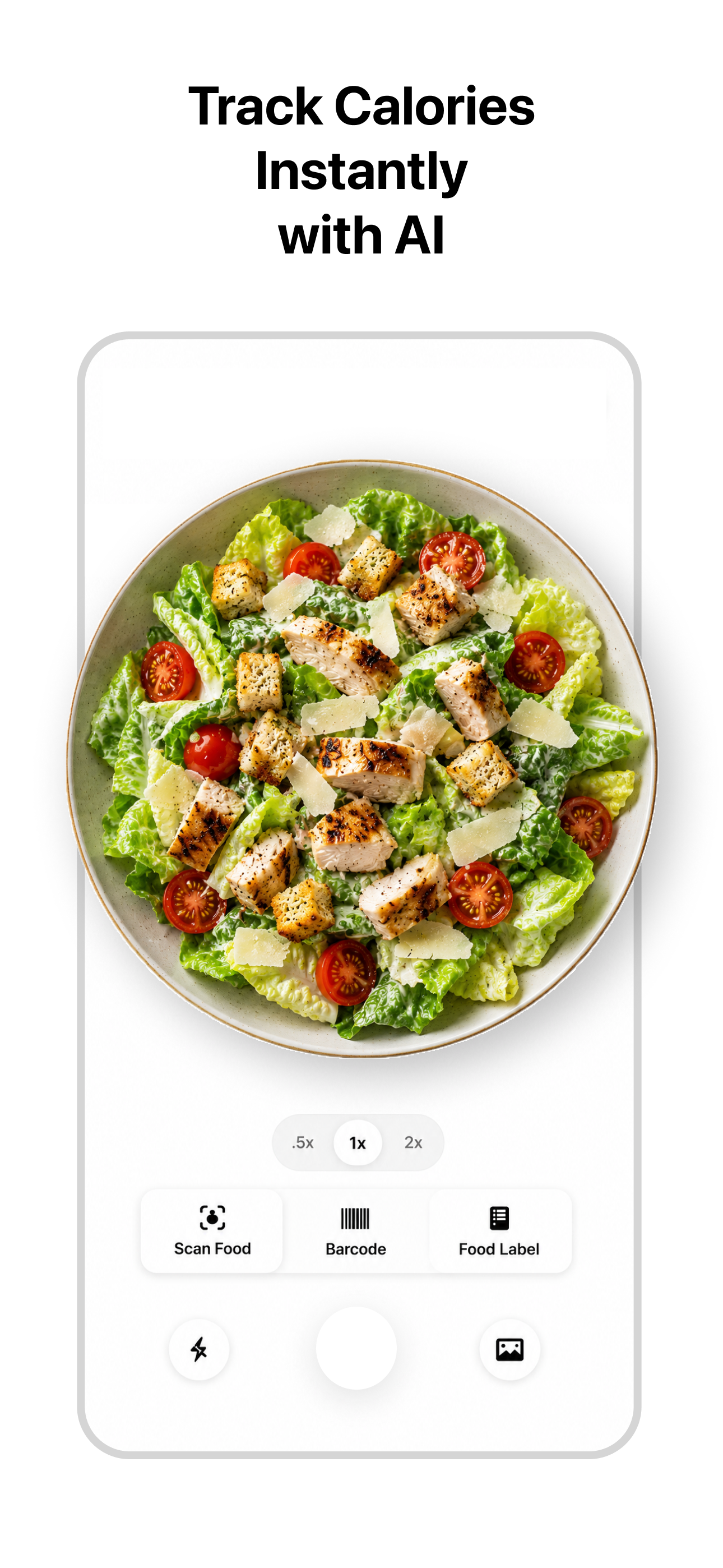
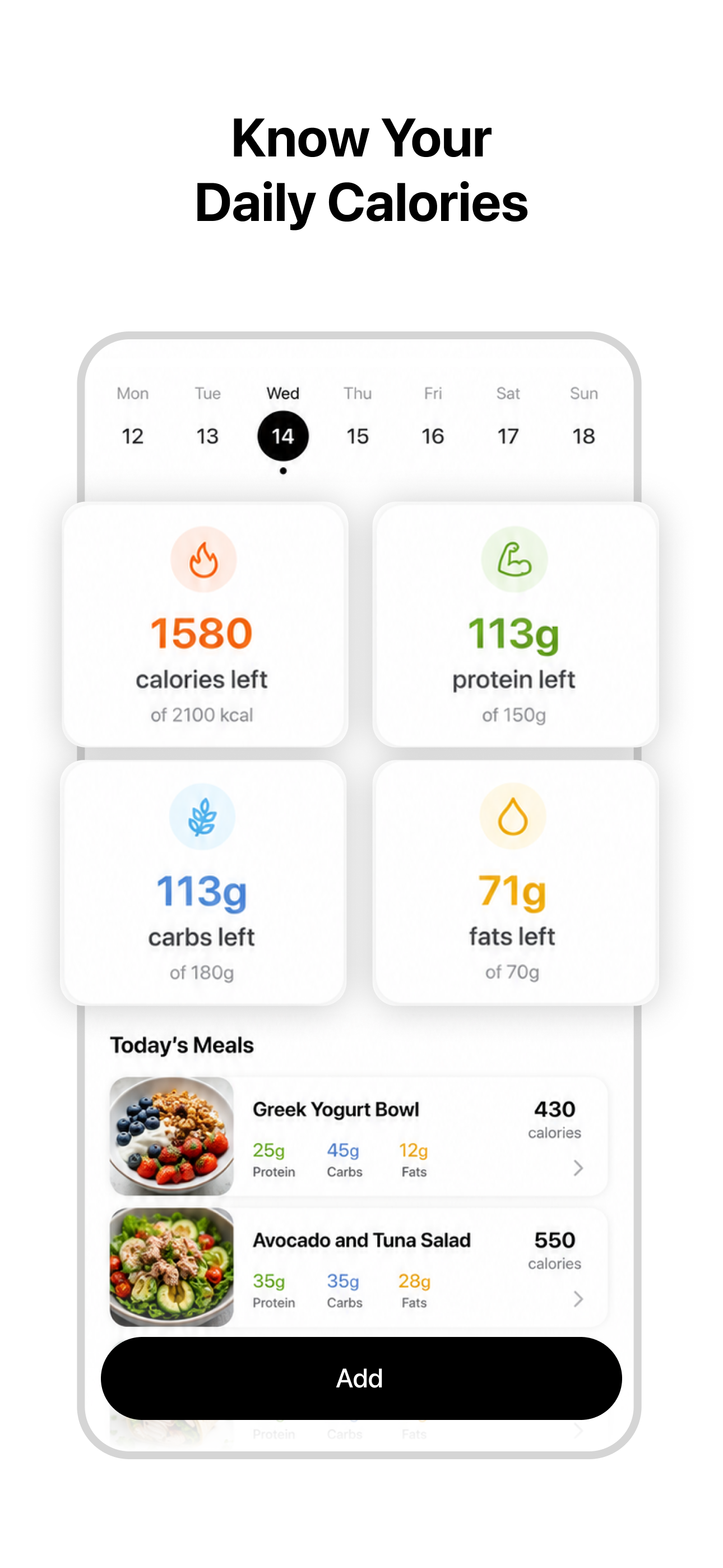
Product page screenshots built to show Fit AI's core loop at a glance: instant AI food scanning, a daily calorie and macro breakdown, barcode and label scanning, and meal logging.
Production

Creative Tools & Production Roles

ToolImpression
Nano Banana 2, GPT Image 2, FluxVisual exploration and AI-assisted image generation
Adobe PhotoshopImage refinement, scene building and final composition
Kling 3.0Image-to-video generation and controlled motion
Adobe After EffectsMotion design, compositing, packshot animation and final assembly
CapCutSocial-first pacing, on-screen copy and transition polish
Claude, ChatGPTConcept development, copy exploration and prompt refinement

Production Workflow

  1. 1.I defined the core user insight, campaign message, visual direction and narrative structure for each product.
  2. 2.I generated and explored initial visual assets using AI-assisted image tools, then refined the selected directions in Photoshop.
  3. 3.The raw assets were combined, retouched and art-directed into cohesive compositions suitable for animation.
  4. 4.Selected scenes were animated using image-to-video tools, with attention to subject movement, camera behaviour and visual continuity.
  5. 5.I assembled the final narrative in After Effects, designed the packshot and app icon animations, and integrated the product interface.
  6. 6.The final edit was polished with platform-native pacing, hook copy, transitions, sound design and on-screen text.

Thank you to the AppNation team

for taking the time to review my case study and presentation.